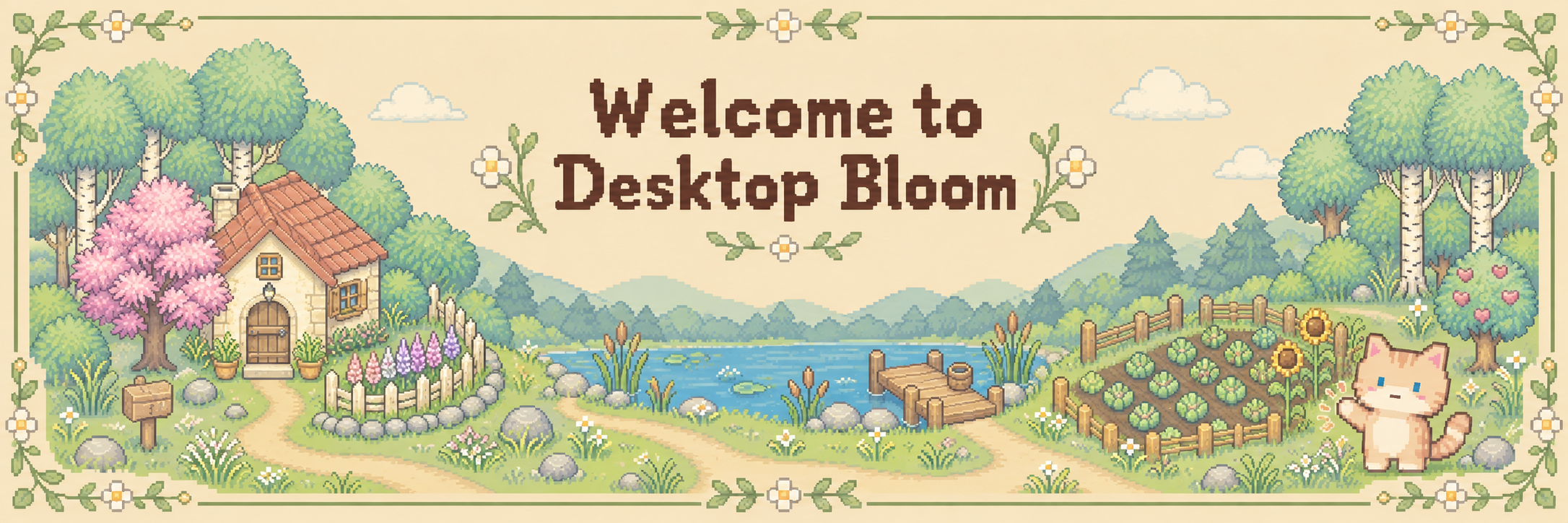
Desktop Bloom — Demo
A downloadable game for Windows
A little farm. A little company. Room for the rest of your day.
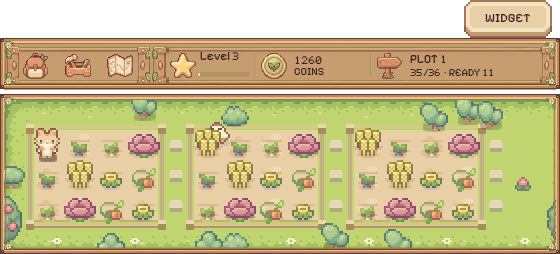
Desktop Bloom is a cozy idle farming game for Windows that lives along the edge of your desktop.
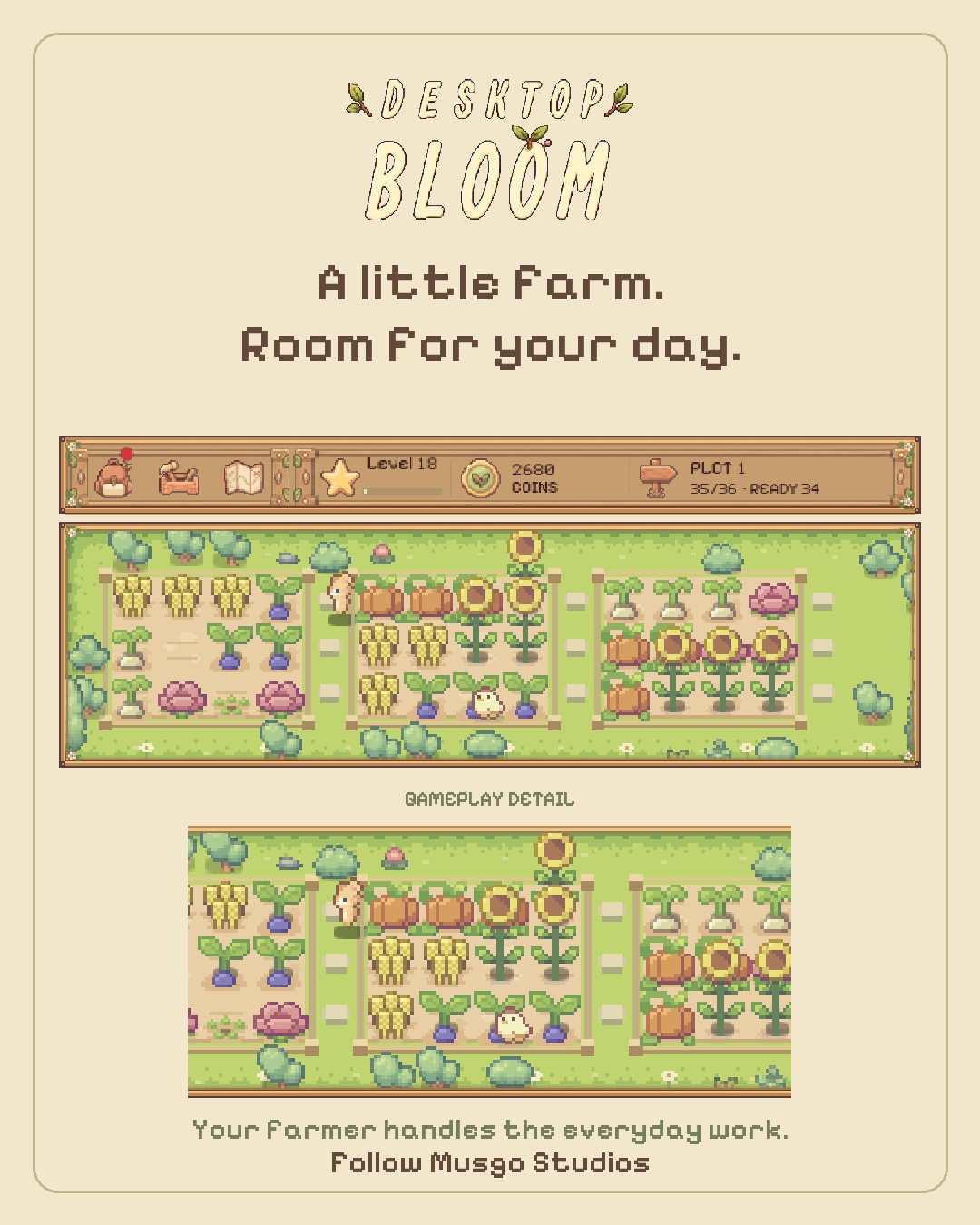
Your farmer takes care of the everyday work while you choose what comes next. Grow your little farm and meet animal companions while you work, study, or take a break.
Your farm, one click away
Keep your farm in view, or tuck it into a small character widget when you need more space. While the game is running, your farm keeps working. Return with a click whenever you feel like checking in.
Try the free development demo
This demo is a slice of Desktop Bloom, not the finished game.
What's included
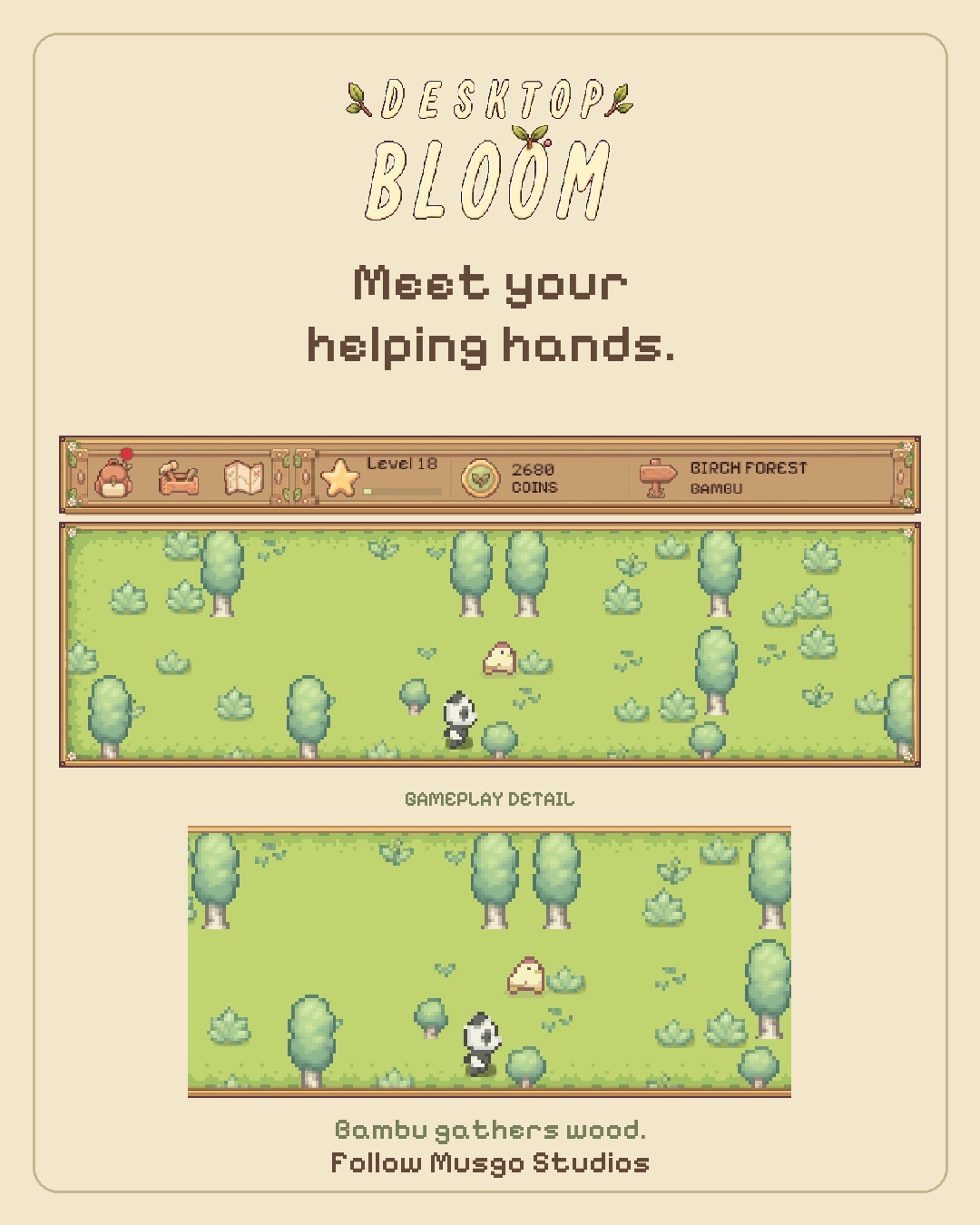
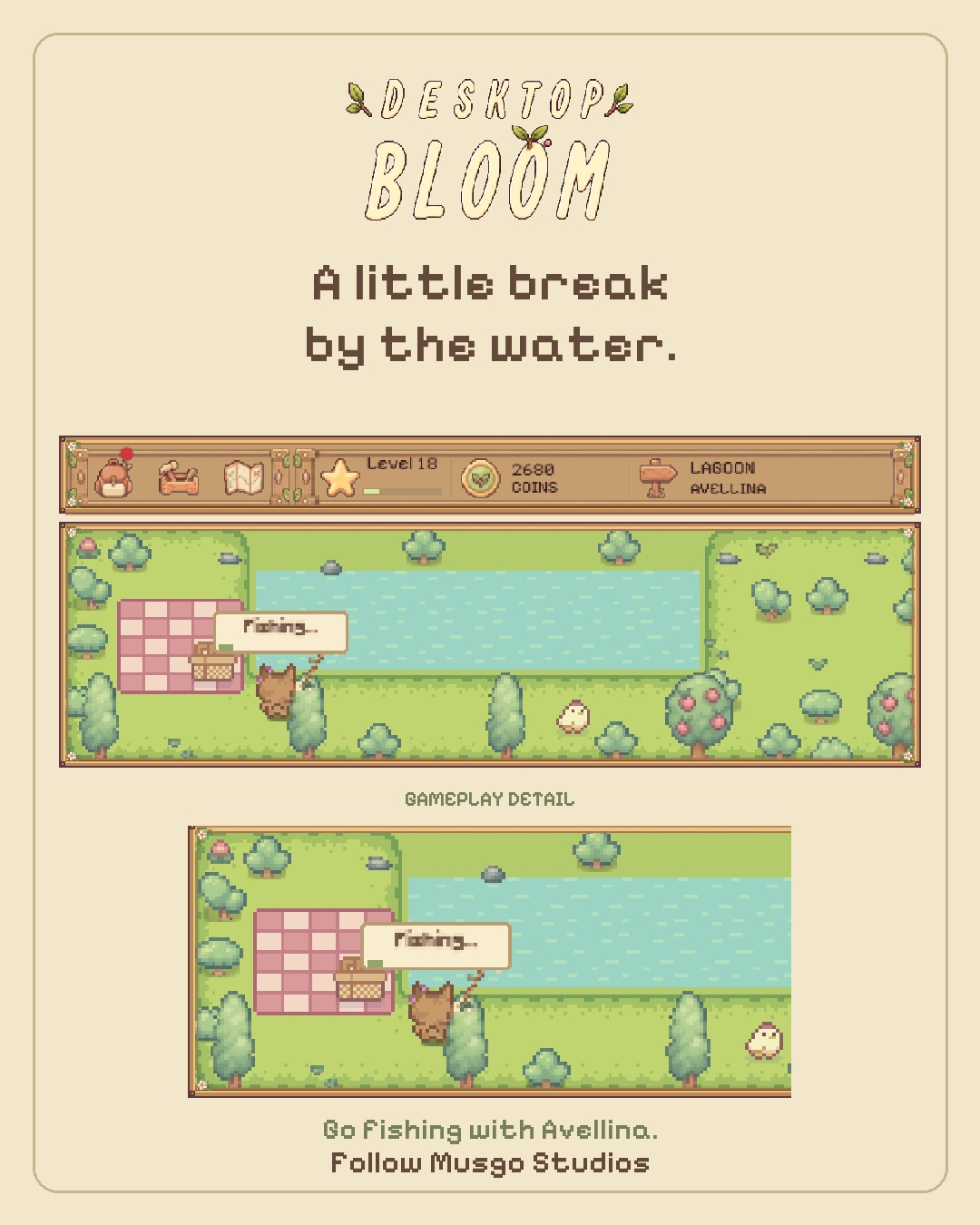
· Three areas to work: your farm, the Birch Forest and the Lake
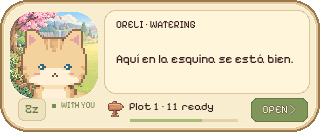
· Three farmhands: Oreli, Bambú and Avellina
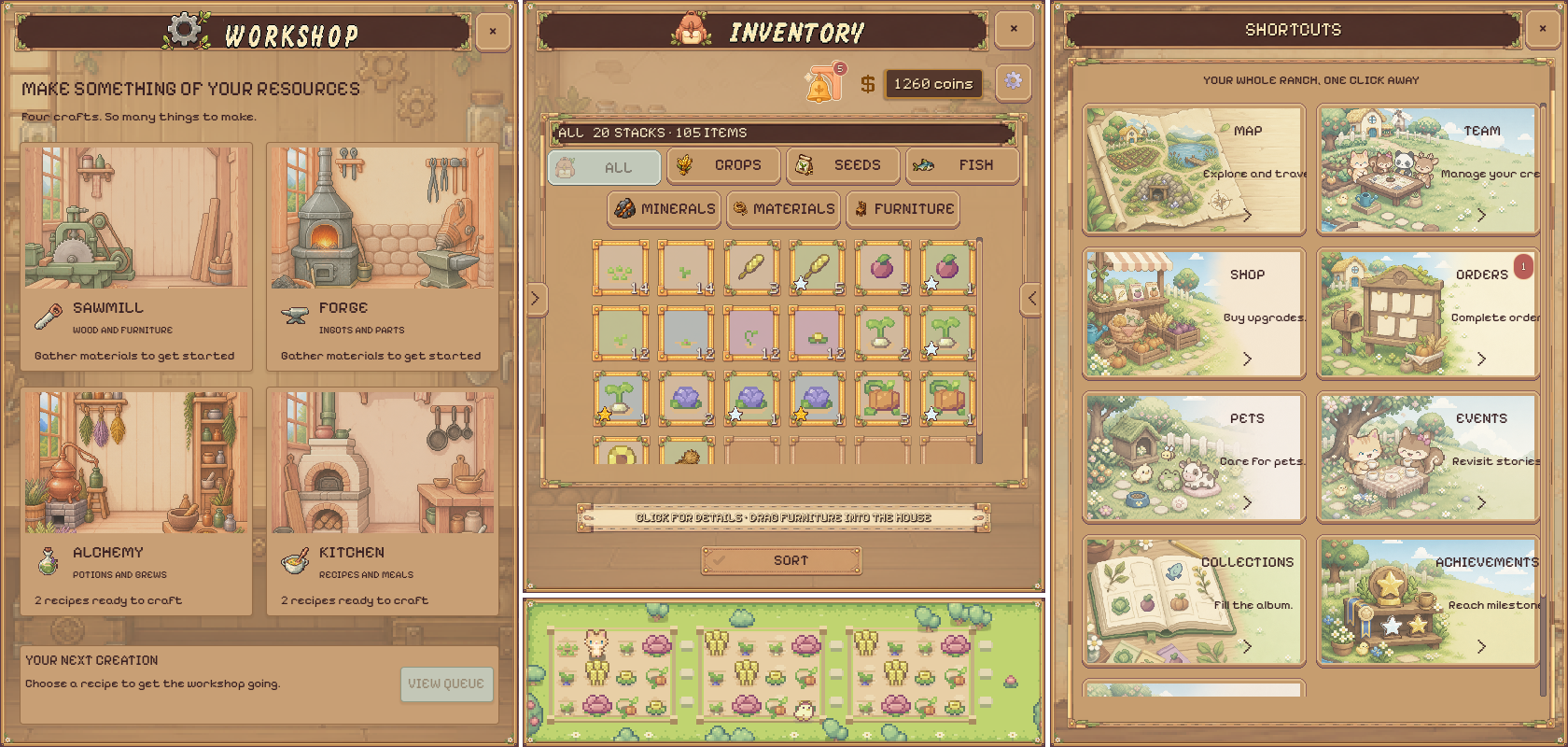
· The full daily loop: growing, crafting, orders, shop and the
desktop widget
What's in the full game
· The House, to decorate and make your own
· The Old Mine, with depths to dig through
· Two more farms to expand into
· Cervina and Axelia, and the companions that come with them
You can see the locked areas and characters inside the demo. The
full game is planned as a paid release on Steam. This demo is free
and does not include a Steam key.
Help Desktop Bloom grow
Desktop Bloom is made by Musgo Studios, an independent developer creating a little company for your desktop.
Our Kickstarter pre-launch page is now available. Follow the project and select “Notify me on launch” to hear when the campaign begins.
Follow Desktop Bloom on Kickstarter
Feedback is welcome
Found a bug or have a suggestion? Leave a comment below.
For bug reports, please include what happened, what you were doing, and your Windows version. Screenshots are welcome—just make sure they do not contain personal information.
Download
Install instructions
Running the game
Unzip the file anywhere, then run DesktopBloom.exe.
Windows may show "Windows protected your PC". This appears for any application from a developer without a paid code signing certificate. Click More info, then Run anyway.
Requirements
Windows 10 or 11, 64-bit. No installer and no extra libraries.
Language
The game starts in English or Spanish depending on your Windows language. You can change it any time in Options.
Your progress
Saved automatically to %APPDATA%\Godot\app_userdata\TaskBarFarmer
Your farm is there when you come back.
To uninstall, delete DesktopBloom.exe and that folder. Nothing else is written to your system and nothing is installed.
Leave a comment
Log in with itch.io to leave a comment.